
How to Change the Billing Contact at iCoreHosting
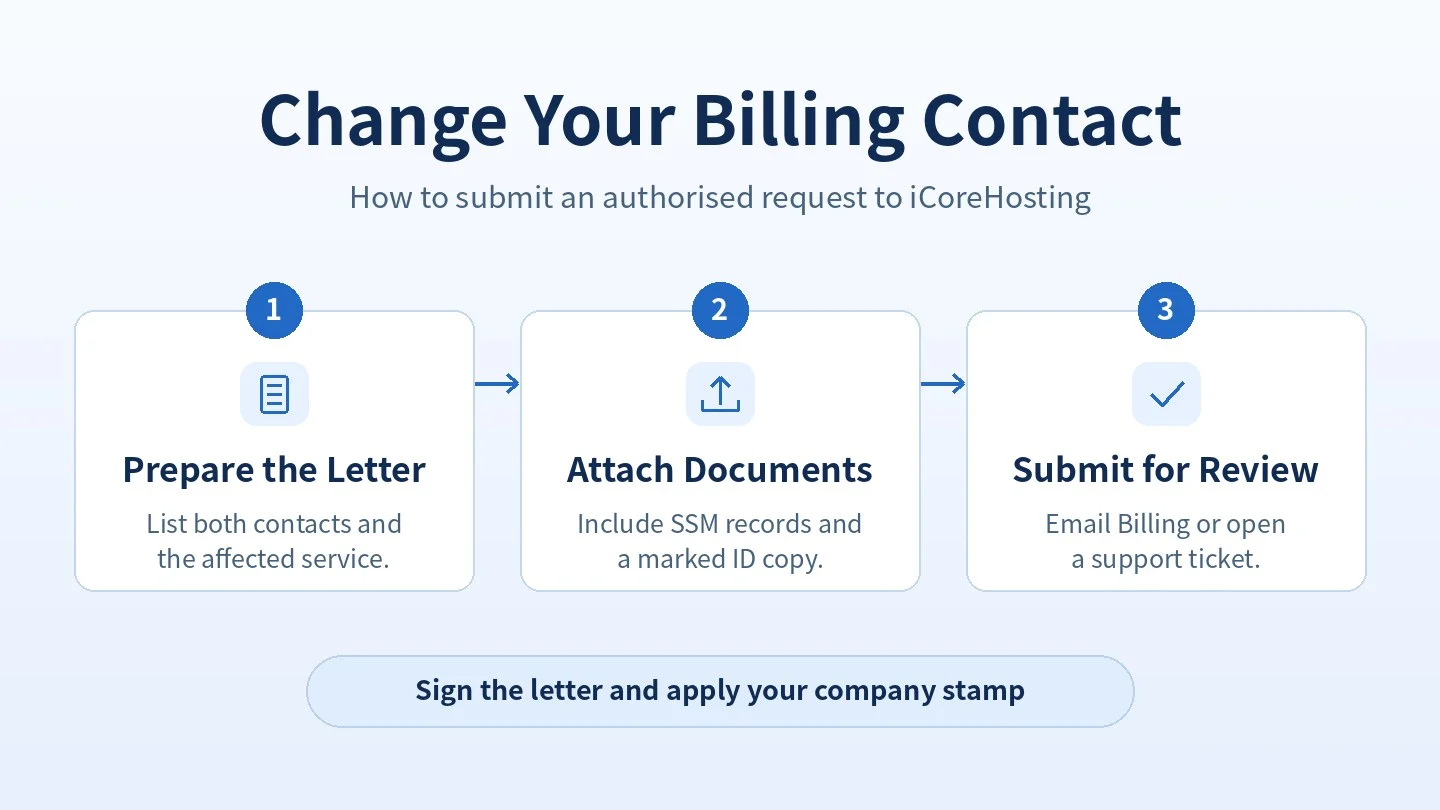
If the person who receives your iCoreHosting invoices or renewal notices changes, an authorised company representative can request a billing contact update. This process applies to hosting, email, VPS, dedicated servers, colocation and domain services.
Step 1: Prepare and Sign the Company Letter
- Use your company letterhead and state which services the request covers. Include the domain, service ID, IP address or invoice number.
- List the current and new contact’s full name, position, email address and phone number. Include the requested effective date.
- Have an authorised representative listed in the SSM records sign the letter and apply the company stamp.
Step 2: Attach the Verification Documents
- Enterprise: Provide the SSM business profile or business registration document.
- Sdn Bhd or Berhad: Provide the SSM company profile and the applicable incorporation and officer records, including the Section 14 incorporation application, Section 17 certificate of incorporation and Section 58 notification of particulars or changes, as applicable.
- Authorised signatory: Provide a copy of the signatory’s IC or passport marked with a diagonal X and the words “For iCoreHosting Verification Only”. Include the owner’s or director’s signature and the submission date.
If the details differ from the SSM records or the request affects domain ownership, iCoreHosting may request further verification, such as a board resolution, a letter from the company secretary or a resignation letter.
Step 3: Submit the Request
Send the signed, stamped letter and supporting documents to billing@icore.com.my or submit them through the iCoreHosting Support Portal. Use one of these channels for the request and documents. Requests through WhatsApp or by phone cannot be used for verification. If someone else manages your service on your behalf, coordinate with the main account owner.
What Happens After Verification?
iCoreHosting updates the billing contact within 1 to 2 business days after successful verification. Future invoices, renewal reminders and suspension notices will then go to the new contact. You may specify a primary and secondary billing contact in your request.
Company Letter Template
Copy this template onto your company letterhead and complete the details before signing and stamping it.
[Company Letterhead]
[Date]

To: Billing Department, iCoreHosting
Subject: Request to Change Billing Contact

Company name and SSM registration number:
Affected domain, service ID, IP address or invoice number:
Requested effective date:

Current billing contact
Full name:
Position:
Email:
Phone:

New billing contact
Full name:
Position:
Email:
Phone:

Please update the billing contact for the service listed above. The supporting SSM records and marked identity document are attached for verification.

Signature:
Name and position of authorised representative:
Company stamp:
Before You Submit
Check that the letter uses company letterhead, includes both contacts and the correct service details, and has the authorised signature and company stamp. Attach the SSM records and marked ID copy.
If your previous finance contact has left, submit the request promptly so future notices reach the correct person.
For questions about the documents required for your company, contact billing@icore.com.my.