
Appropriate Communication When Contacting iCoreHosting Support
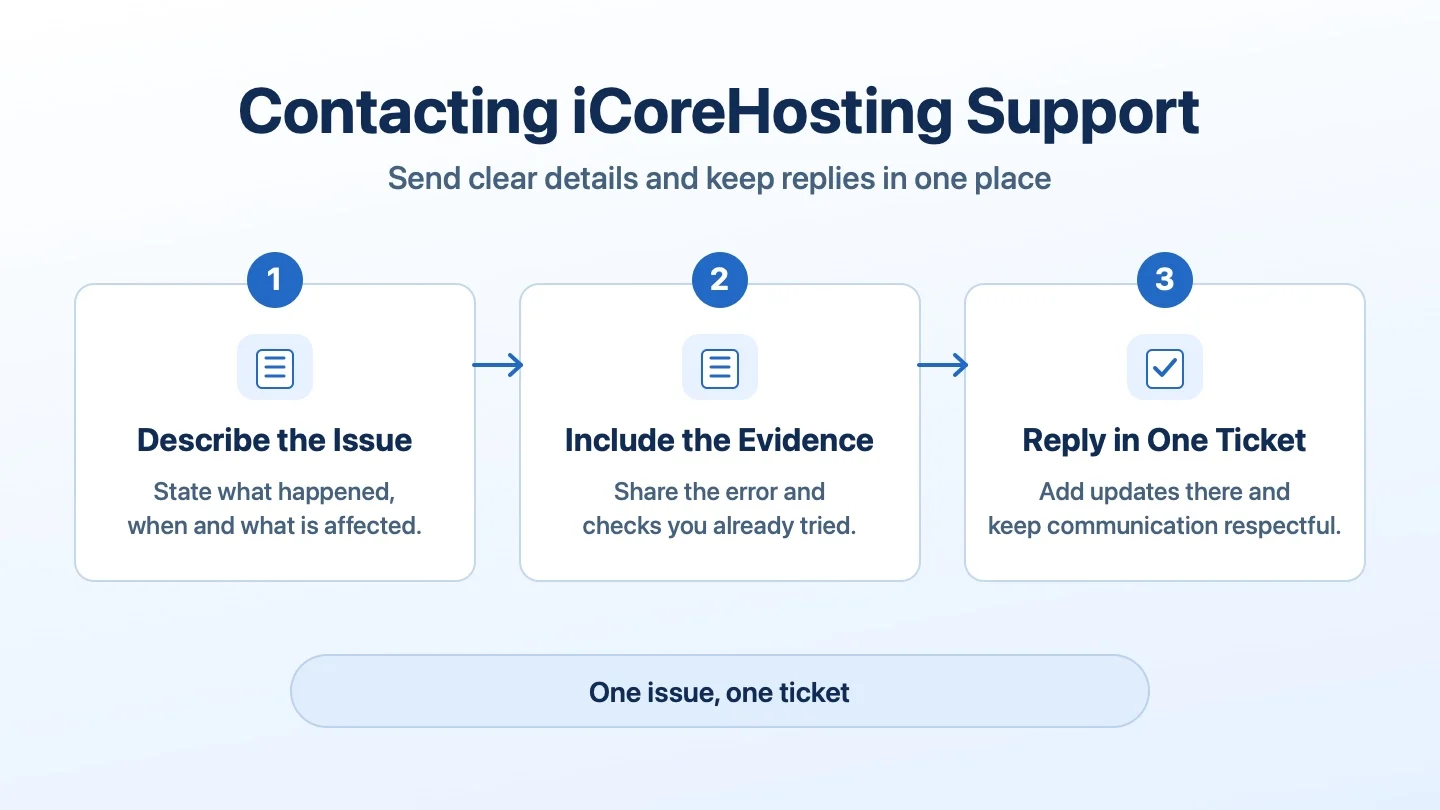
Service problems can be stressful. A clear report helps iCoreHosting Support identify the affected service and start investigating. For technical issues, use the iCoreHosting Support Portal or email support@icore.com.my. If a ticket already exists, reply there with any new details.
Step 1: Describe the Issue and Its Impact
- Give the affected domain or service name, and the VPS or server IP address if relevant.
- Say when the issue started, including the time zone, what is affected and what you expected to happen.
- Include the full error message, a screenshot if available and the checks you already tried.
- For email delivery issues, include the sender and recipient addresses and the full bounce message if available. Include your current public IP if support needs it to investigate a connection issue. Provide your Support PIN only when requested through an official support channel.
Step 2: Follow Up in the Same Ticket
Keep new information and replies in the original ticket. If you contact support through another official channel, give the existing ticket number so the team can find the case. Some investigations require server logs, DNS checks, a mail trace or a firewall review. If the impact changes while the team is checking, add that update to the same ticket.
Step 3: Keep Communication Respectful
Explain the impact and urgency plainly so the team can focus on the issue. Shouting, insults, personal attacks and threats make it harder to establish the facts. If an exchange becomes abusive, support may ask for the details in writing, move the case to email or a ticket, end the call, pause nonurgent communication or escalate the matter.
Support Request Template
Copy the template and fill in the fields relevant to your issue.
Subject:
Affected domain or service:
Server IP, if relevant:
When it started, including time zone:
What happened and who or what is affected:
Expected result:
Full error message:
Checks already tried:
Screenshot or relevant evidence:
Existing ticket number, if any: