
How iCoreHosting Handles Security Updates
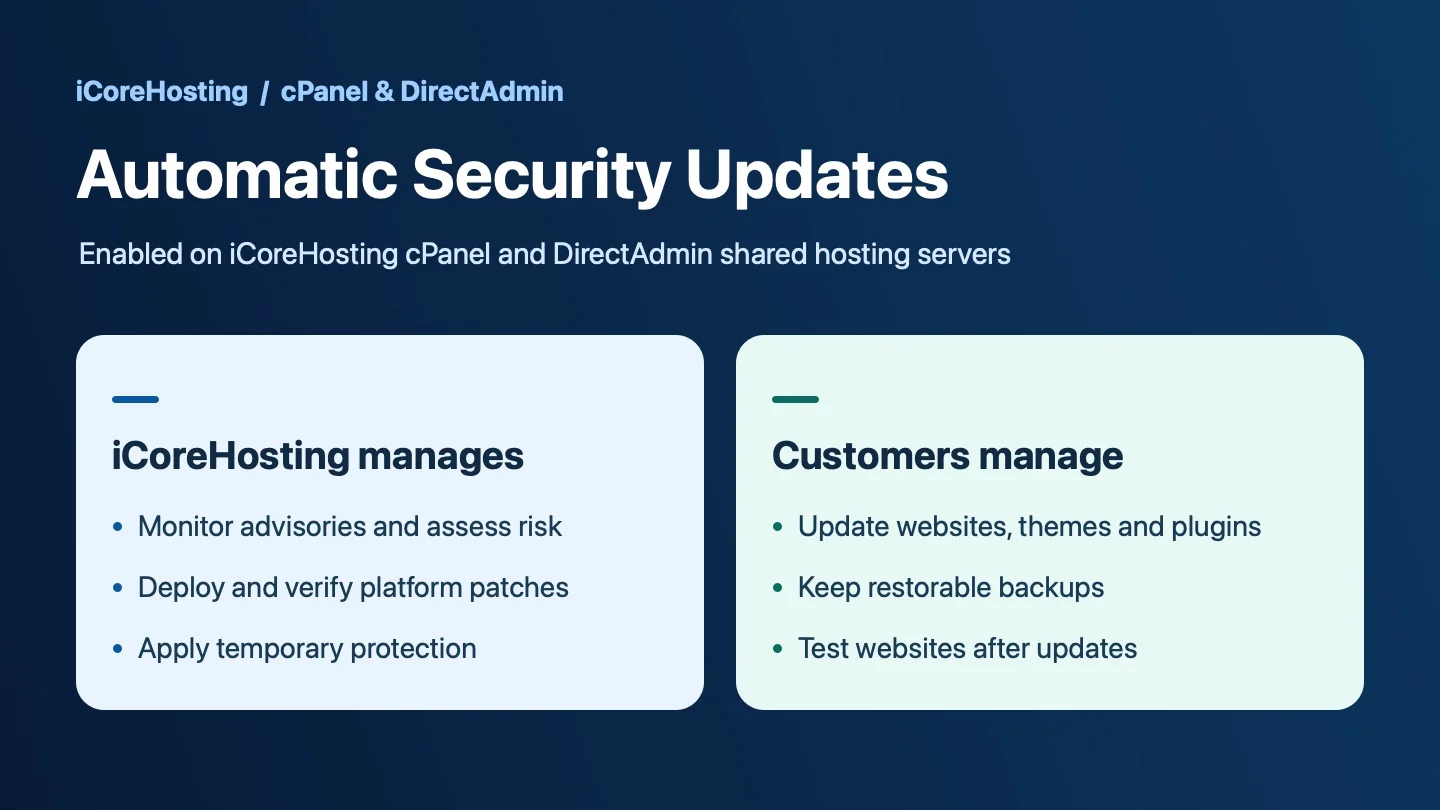
All iCoreHosting cPanel and DirectAdmin shared hosting servers are configured to apply security updates automatically. Our team also monitors vendor advisories, prioritises urgent fixes and verifies that applicable patches are installed.
Step 1. Monitor Security Advisories
We track advisories for the components we manage, including the operating system, control panel, web server, PHP runtime, MySQL or MariaDB, mail server and webmail. We check whether our servers are affected and prioritise updates by severity and service impact.
Step 2. Apply Updates and Verify Services
Automatic updates handle applicable platform patches. If an update requires manual intervention, our team assesses the impact and applies it as soon as practicable. We verify the installation and check that the affected services are working.
Step 3. Protect the Platform While a Fix Is Pending
If a serious vulnerability has no available patch, we may apply temporary protections while the vendor prepares a fix. Depending on the issue, we may block malicious requests, restrict an affected feature or isolate a service.
What Customers Need to Update
- Follow security advisories for your website software, including WordPress or another CMS, themes, plugins, frameworks and custom code.
- Keep a restorable backup of your website files and database before applying updates.
- Test the website and important functions such as forms and checkout after updating.
Website software installed through cPanel or DirectAdmin, or preinstalled by iCoreHosting, remains your responsibility unless a separate maintenance agreement covers it.
Will iCoreHosting Notify Me About Updates?
We normally apply routine platform security patches without individual notices. If we expect a significant interruption, an important feature restriction or action from customers, we notify affected customers in accordance with the applicable service terms and service level agreement.
What to Do If Your Website Has an Issue
Contact support with the affected domain, when the issue started and any error messages. We can check the hosting platform and help identify whether your website maintainer needs to investigate.
Read the full Shared Hosting Responsibilities guide · Contact iCoreHosting Support